TECHNOLOGY IN ACTION - ASSIGNMENTS
Week 4 & Week 5 - Two Part Assignment
Due Wednesday Feb 18th
Inspired by Saul Bass, Keith Haring, making the ordinary extraordinary, olympic pictograms, international symbols, etc:
In ILLUSTRATOR ONLY create a series of FIVE infographics/pictograms that tell a story about the stages of your life so far. This can take on many forms.
- Upload your FIVE pictograms to your website.
- For each pictogram include its name and a description.
- Be ready to present/perform your stages for the class.
- SPEND TIME EXPERIMENTING WITH ALL OF ILLUSTRATOR’S TOOLS, SHAPES, LINES, COLORS, EFFECTS, TEXT
START DESIGNING - THIS WILL TAKE TIME
Due Tuesday Feb 24th
Design, laser cut, glue, paint, and put together a 3-dimensional object or toy that incorporates at least one moving mechanism.
- In Illustrator create a new Artboard that is 12 inches by 12 inches.
- Create your design utilizing as much of the 12x12 artboard as possible (leave about 1/4" from the edges). NO GENERATIVE AI OR FOUND IMAGES - it totally defeats the purpose of the assignment.
- In the Art Studio there are 12"x12" plywood pieces 1/8" thick. USE JUST ONE PLEASE.
- FOLLOW this LASER CUTTING TUTORIAL
- Check out these examples of MECHANISMS
- NEED MORE WOOD? Use cardboard, or thick paper.
- GLUE your pieces together to create your new 3D objects.
- PAINT everything so it no longer looks like it was lasercut.
- FEEL FREE to incorporate any additional materials that would enhance your object such as fabric, beads, LEDs, wire, wooden dowels
- EXPERIMENT - The laser is precise and can cut out shapes that would be incredibly difficult for you to cut by hand - use that cleverly to your advantage.
- Create a page on your website and UPLOAD final pictures, documentation, title, description, and your Illustrator AI file to your website.
WE WILL HAVE A PERFORMATIVE EXHIBITION ALL TOGETHER ON TUESDAY FEBRUARY 24TH
Week 3 - Due Tuesday February 10th
Complete your website design and Mars Project documentation.
Using Photoshop, and incorporating what we learned in class + your own experiments - create a 6-panel short story (children’s book, experimental, educational, comic, etc..)
1 cover page with title graphics etc
5 pages of the story
cover
1
2
Incorporate and experiment with animation + GIF making - create moving elements in each of your pages using frame or video animation in the Photoshop timeline.
USE THIS OPPORTUNITY TO EXPERIMENT WITH PHOTOSHOP’s IMAGE MANIPULATING CAPABILITIES - IDEALLY YOU WILL USE PHOTOS, IMAGES AND ART THAT YOU HAVE TAKEN OR MADE YOURSELF.
What is your style?
What is your inspiration?
What colors, text, imagery, or art will you create?
What importance will the movement in your work have?
Use this opportunity to experiment with telling a story using visual/graphic/text elements.
Upload your work on a new page on your website, as Gifs, images, and/or videos. If you like try incorporating a soundtrack or sound effects onto your webpage to accompany your story.
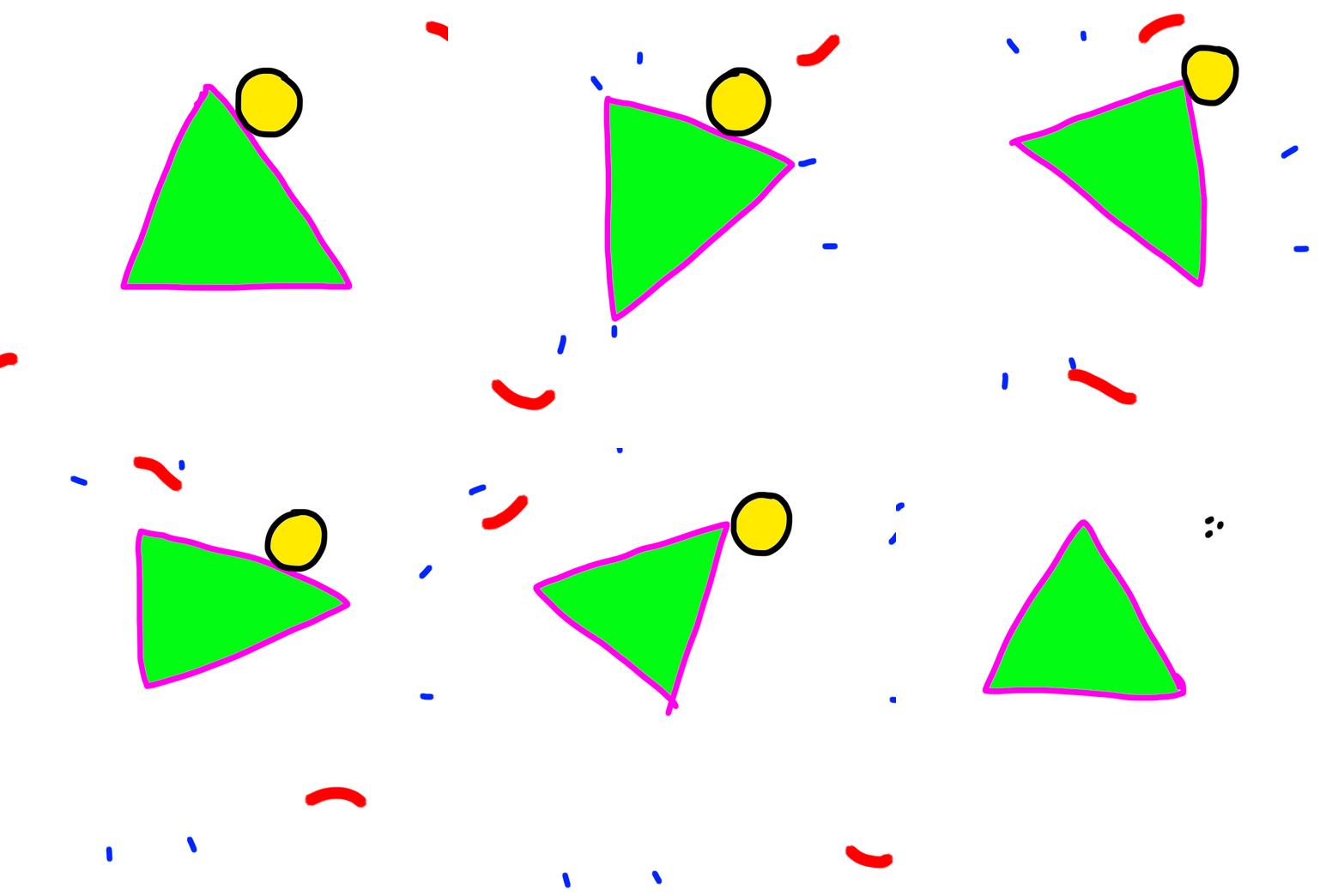
Here is a tutorial on how I created the animated triangle above in Photoshop. It’s probably easier in programs like Procreate, but if you only have Photoshop you can try this.
Week 2 - Due Tuesday February 3rd
Using everything you've learned and experimented with so far in Cargo, design and build your website. Your site is meant to be an experimental art canvas for expressing your artistic vision online, a visual storytelling platform, and as a space for uploading your weekly assignments.
Remember - you must create everything you put on your sites and it must be your own new and original work.
You know how to:
Display text, links, images, videos, GIFs
Play with color, size
Draw, photograph, sculpt, make sounds
Incorporate sound files and video mp4 files
Use this knowledge and your imagination to develop a unique vision for your site - what story will it tell? How will visitors interact with it?
Create a unique main page.
Create a "menu system" with links to the 14 weeks.
Upload your first week Mars projects to a new week 1 page with project name, images, sketches, performance video, and project description that describes: what is it, what does it do, and how does it do it
anything else you’d like to include.
MAKE SURE YOUR WEBSITE LINK ON THIS DOC IS CORRECT!
3
4
5
Week 1 - Due Wednesday January 28th
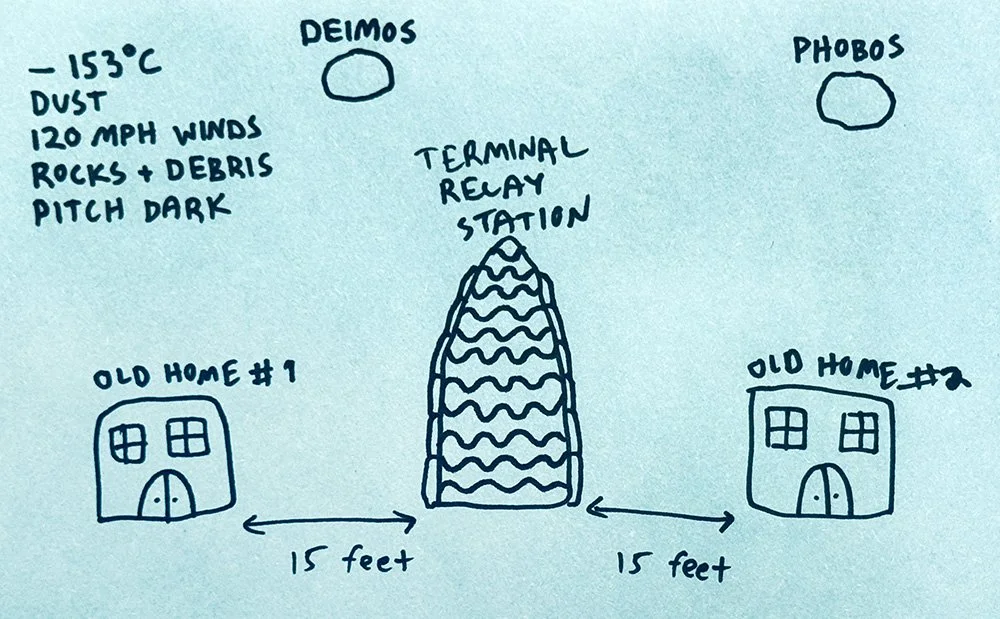
The year is 2089. You live in a home for old people on Mars. You wake up in the morning feeling rhapsodic and youthful. You dress up, brush your hair and apply your face cream. You feed Becky, your tri-color Bassett Hound three strawberries and a teaspoon of milk.
You share Becky with your ex who lives in OLD HOME #2. After a long custody battle, you settled out of court and arranged a schedule that makes sense for all three of you. Today is exchange day.
"This is going to be a good day," you say to Becky, and kiss her on the nose.
The breakfast menu flashes on your bedroom monitor: PANCAKES
The exchange of Becky takes place at the TERMINAL RELAY STATION which is located halfway between Old Home #1 and Old Home #2.
The good news: The Terminal Relay Station is outside and only 15 feet away.
The bad news:
- The temperature outside is -243°F (-153°C)
- There is a dust storm with 120 mph winds carrying rocks and spatial debris.
- It's pitch dark except for the light from Phobos and Deimos, Mars's two moons.
- You have to be back for Breakfast (you cannot skip even one meal) so you only have 2.5 minutes to do the exchange and come back safely.
Build a small model of a device, machine or contraption that will take you from either OLD HOME #1 or OLD HOME #2 to The TERMINAL RELAY STATION to exchange Becky. What does your outfit look like? What sensors do you need to survive the outside climate? What futuristic technology will you put to use to survive the short but tumultuous journey? And how will you make it in less than 3 minutes back and forth so that you can each get back for breakfast?
Good luck.
On Wednesday you will randomly be paired and come up in front of the class and present / perform your project. Make it into a story and consider incorporating other elements such as light and sound.
NOTE: all work you make for TIA must be new and original. Music, sounds, images, objects - should all be made entirely by you.